Watch the video below or follow the step-by-step guide to learn how to create an account.
Step-by-step guide to learn how to create an account:
Look for the sign-up link in your email or ask your HR representative or supervisor.
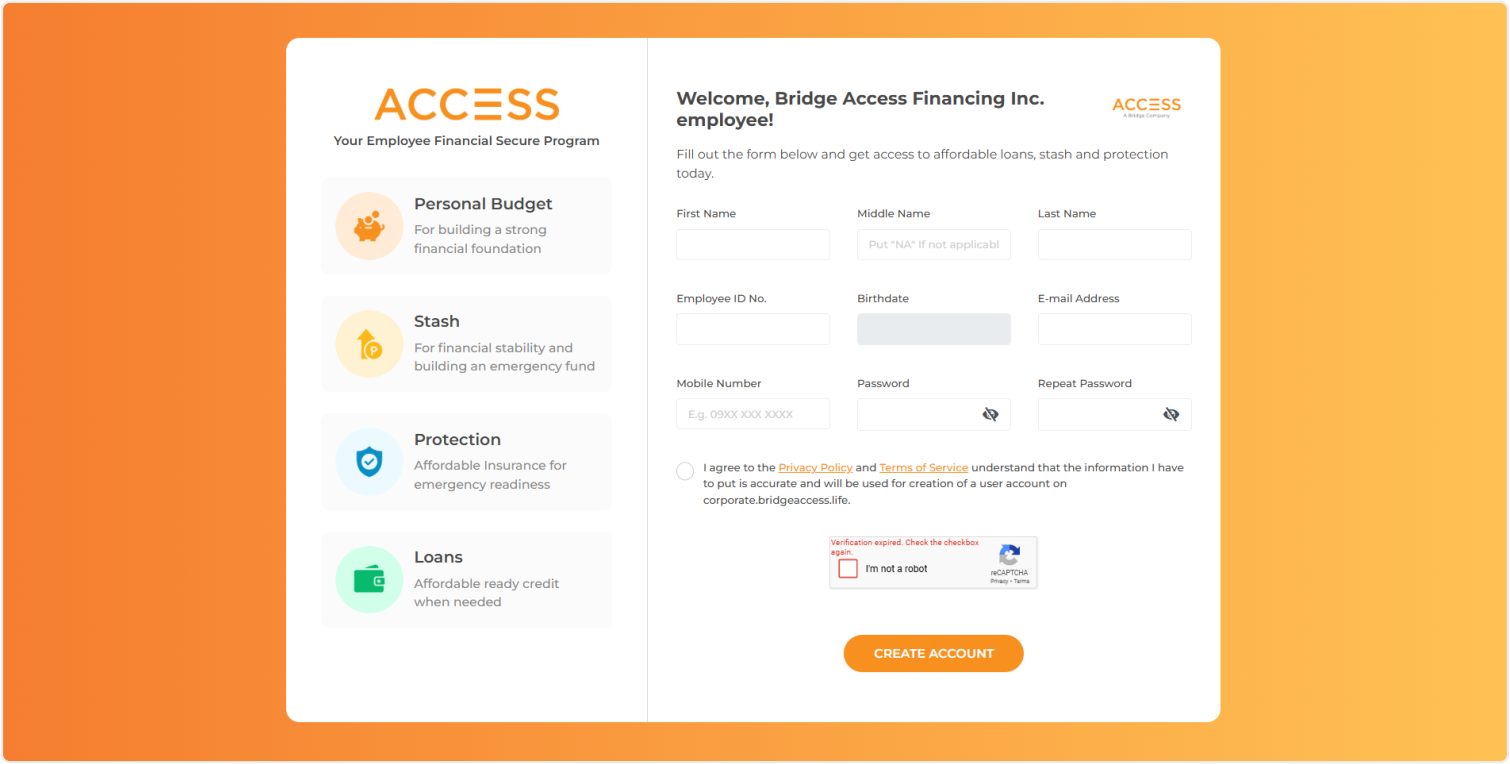
On the sign-up page, enter your details, read and accept the terms and conditions, complete the CAPTCHA, and click the "Create Account" button.
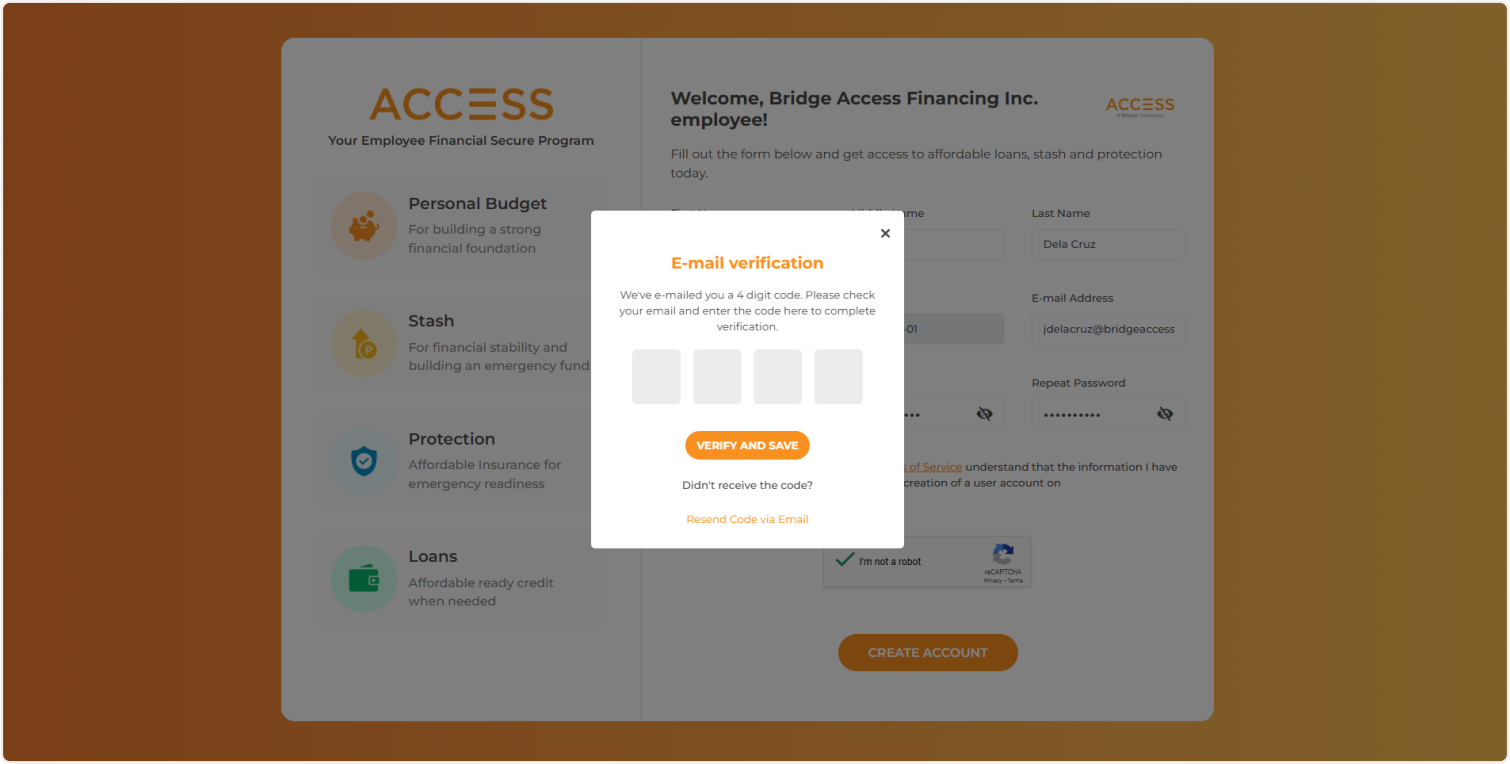
You will receive a verification code on your e-mail address. Enter the code in the pop-up screen to verify your identity and complete your sign up.